
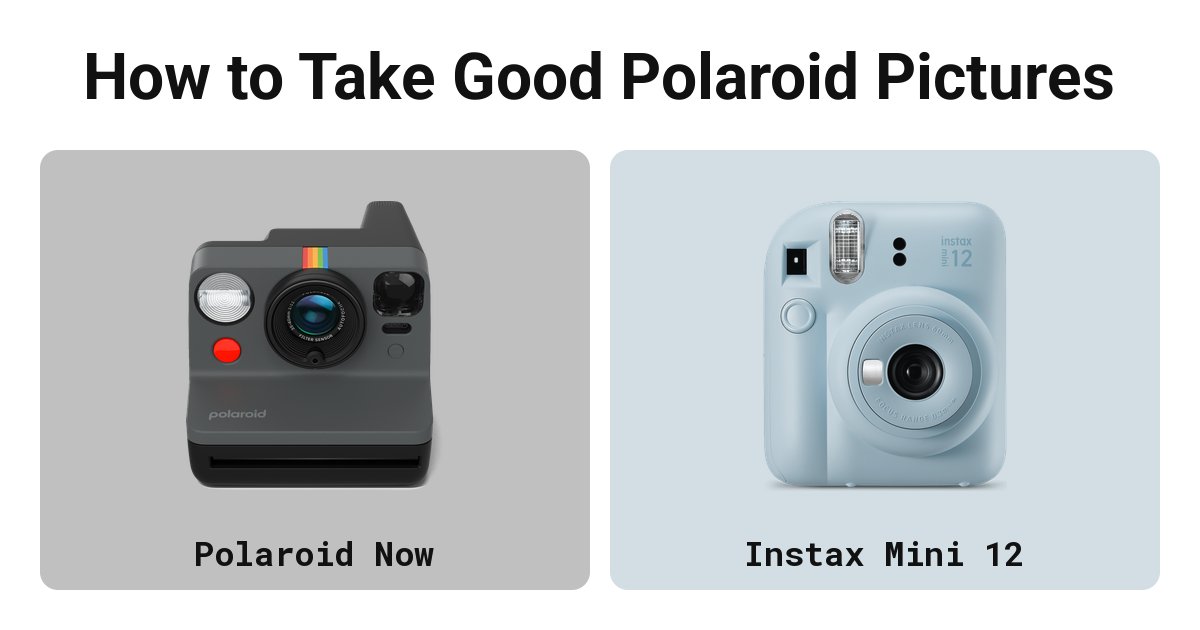
Use lots of light, keep the sun behind you, stay within flash range, shield the print and keep the film at room temperature. Polaroid’s and Fujifilm’s advice.
Most bad instant photos come from a few mistakes: too little light, the wrong distance, cold film or a print left in bright light. Polaroid and Fujifilm both publish advice on avoiding them. Where the two differ, this page says which is which.
The five rules
- Light: instant film needs a lot of it. Polaroid’s support pages put it in four words: “Polaroid cameras love light.”
- Distance: stand no closer than your camera’s closest focus and no further than its flash reaches. For most cameras that is somewhere between 0.5 and 2 m.
- Flash: leave it on indoors. Turn it off outdoors on a sunny day, if your camera lets you.
- Shield: keep a Polaroid print out of the light for its first seconds, then lay it flat and face down. Don’t shake it.
- Temperature: Polaroid film works best between 13 and 28°C (55 to 82°F). Instax film works from 5 to 40°C (41 to 104°F).
Light: keep the sun behind you
Polaroid’s advice is to shoot with the sun behind you, so it lights your subject’s face. Its Polaroid Go guide adds that facing the sun gives dark photos. Outdoors on a bright day, Polaroid says to turn the flash off on the Go and keep your subject out of deep shade.
With the flash off, Polaroid says to hold the camera steady with both hands. Keep still until the photo has fully ejected.
Fujifilm’s Instax advice is similar. It recommends natural light and says to avoid shooting people face-on in midday sun. Indoors, stand your subject near a window and turn them slightly away from it. To fill in the dark side of a face, bounce light back with a sheet of white card or a phone screen.
Flash: on indoors, and put a wall behind
Polaroid says to use the flash every time, except outdoors on a sunny day. Indoors, the flash is the main light, and it only reaches so far. Polaroid gives the flash range of its cameras as usually 1 to 2.5 m (3.3 to 8.2 ft).
Indoors, put a wall behind your subject. Polaroid’s Go guide says that without one the background goes black, so a person in the middle of a large room comes out lit against darkness.
For the Go, Polaroid suggests standing 60 to 120 cm (2 to 4 ft) from your subject indoors, and says the flash reaches about 1.5 to 2 m. The Go Generation 3’s flash switches itself back on before every shot, so check it each time if you are shooting outdoors. Polaroid calls the Flip’s flash its most powerful, with a reach out to 4.5 m.
Fujifilm says Instax flash range is usually around 0.3 to 2.2 m, and suggests stepping back if the flash looks harsh. On the Mini 12 and Mini 41 the camera sets the exposure and fires the flash on its own, so distance is the one thing you control.
Distance: how close each camera can get
Too close and the subject blurs. Too far indoors and the flash fades out. These are the makers’ figures.
| Camera | Closest focus | Flash range | Source |
|---|---|---|---|
| Polaroid Now (all generations) | 55 cm | n/a | Polaroid support |
| Polaroid Now Generation 3 | 0.40 m (two focus zones) | n/a | Polaroid spec, product record |
| Polaroid Go | about 45 cm | best 60 to 120 cm, reaches about 1.5 to 2 m | Polaroid support |
| Polaroid Flip | 0.4 m | out to 4.5 m | Polaroid spec, product record |
| Vintage Polaroid cameras | n/a | usually 1 to 2.5 m | Polaroid support |
| Instax Mini 12 and Mini 13 | 0.3 m (close-up mode 0.3 to 0.5 m) | 0.3 to 2.2 m (Mini 13) | Fujifilm spec, product records |
| Instax Square SQ1 | 0.5 m (selfie mode 0.3 to 0.5 m) | 0.3 to 2.2 m | Fujifilm spec, product record |
| Instax Wide 400 | 0.9 m (0.4 to 0.5 m with the close-up lens accessory) | 0.9 to 3 m | Fujifilm spec, product record |
Polaroid’s support article gives 55 cm for the whole Now line, while the Generation 3 spec gives 0.40 m. If you own a Now, stay at 55 cm or more unless you have the Generation 3.
Framing and parallax
On most instant cameras the viewfinder sits beside the lens, not behind it. Close up, the picture lands slightly off from what you saw, and part of your subject can get cut off. This is parallax error.
Polaroid’s advice is to adjust your aim for subjects closer than 1.2 m. Its two support articles on this disagree on direction: one says aim slightly up and to the left, the other slightly down and to the left. Both say left. Shoot one close-up test frame and see which way your camera drifts, then leave extra space on that side.
On the Now, Polaroid also suggests pressing the shutter halfway to lock focus on your subject, then recomposing before pressing it fully. The close-up modes on the Instax Mini 12, Mini 13 and Mini 41 correct parallax for you between 0.3 and 0.5 m.
Fujifilm’s framing advice is to try a different angle and keep backgrounds calm.
Use the exposure control
Most current cameras set exposure on their own. Several let you nudge it.
- Polaroid Now: Polaroid support documents a three-position control (brighten, neutral, darken), reached by holding the flash button.
- Polaroid Flip: plus or minus 1 stop on the body, and full manual control through the Polaroid app.
- Vintage 600 and SX-70 cameras: a lighten/darken slider or wheel. Polaroid says i-Type, 600 and 8x10 film need no correction. Current SX-70 film is faster than the old stock, so in bright light move the wheel one third toward darken. With the flash on, keep it centred.
- Instax Mini 99: five brightness levels.
- Instax Mini 12, Mini 13 and Mini 41: fully automatic, with no exposure control.
In hot weather, Polaroid also suggests moving the slider toward darken.
Shield the print and lay it flat
Polaroid film is still sensitive to light when it leaves the camera. A chemical layer has to spread over the picture to protect it, and that takes a few seconds. The film shield, a flap that rolls over the print as it ejects, covers it during that time. Polaroid says every new and refurbished camera it sells has one fitted. Don’t cover the flash or the exit slot with your fingers, and hold still until the photo is fully out.
Once it is out, keep it face down on a table, inside a jacket pocket or inside an empty film box. Don’t shake it. Polaroid says shaking during development can leave blobs and distortions along the bottom edge, and bending or squeezing can leave splotches. Our page on whether you should shake Polaroid pictures explains why the habit started.
Instax film does not need a shield. Fujifilm uses a black developer that blocks light while the picture forms. Fujifilm still says not to crease, bend or shake the print.
Polaroid’s product pages give 10 to 15 minutes for its colour film to develop and 5 to 10 for black and white. Instax takes about 90 seconds. Our guide to how long Polaroids take to develop has every film type.
Temperature: keep the film near room temperature
Polaroid film works best between 13 and 28°C (55 to 82°F). Below that range, Polaroid says photos tend to come out overexposed and low in contrast, with a cold tint. Its articles describe the tint as cyan or blue in one place and green in another, so expect a blue-green cast. Above 28°C, colour photos develop with a yellow or red tint.
In winter, let the film reach room temperature (around 20°C, or 68°F) before you shoot. After each shot, leave the print under the shield for a few seconds, then put it flat in an inside pocket. Carry the camera close to your body too.
In summer, Polaroid suggests cooling film in the fridge before going out, letting prints develop somewhere cool, and moving the exposure slider toward darken. Fridge film needs time to warm up before use: Polaroid says allow at least an hour.
Instax works across a wider range, 5 to 40°C (41 to 104°F). Below 5°C, Fujifilm says to keep the print somewhere warm while it develops. How long film lasts in storage is covered in does instant film expire.
Clean the rollers every pack
Polaroid calls dirty rollers “the most common source of undesirable film defects”. The two rollers inside the front of the camera spread the developer across each print as it ejects. A speck of dirt on them leaves a mark on every photo after it. Polaroid says to check them before each new pack and wipe them with a soft cloth dampened with clean water.
What changes on Instax
Everything above applies to Instax, with these differences: a wider temperature range (5 to 40°C), about 90 seconds to develop, no shield needed, flash reach of 0.3 to 2.2 m on the Mini 13 and Square SQ1 (0.9 to 3 m on the Wide 400), focus from 0.3 m on the Mini cameras, and 10 shots a pack against Polaroid’s 8.
If you are still choosing a camera, see our best Instax camera and best Polaroid camera guides, or Instax Mini 12 vs Mini 13, Polaroid Go vs Polaroid Now and Polaroid Flip vs Polaroid Now. Once your shots come out right, our picture ideas give you things to point the camera at.
Why your photos come out white or dark
Polaroid says a print that is completely white or black almost always means a camera fault. Light, washed-out prints usually come from an unshielded print, cold film or a flash too close, and dark ones from too little light. Our guide to why Polaroids come out white or dark goes through each symptom, with Polaroid and Instax causes kept apart.
FAQ
Why are my Polaroids coming out white?
Polaroid lists four causes of light prints: a print left unshielded after it ejects, the exposure control set toward lighten, film colder than 13°C, and a subject too close to the flash. Expired film can wash prints out too, and a print that is completely white points to a fault in the camera. Warm the pack to room temperature and keep each print covered for its first seconds.
Why are my Polaroids coming out dark?
You were shooting into the sun, the subject stood beyond the flash range (usually 1 to 2.5 m on Polaroid cameras), or there was no wall behind them. Put the sun behind you outdoors and a wall behind your subject indoors.
Should I use the flash in daylight?
Polaroid says to use the flash everywhere except outdoors on a sunny day. In shade, on a cloudy day or indoors next to a window, leave it on.
How close can I get with a Polaroid camera?
It depends on the camera. Polaroid gives 55 cm for the Now line, about 45 cm for the Go and 0.4 m for the Flip. The Instax Mini cameras focus from 0.3 m.
Do I need to shake the photo?
No. Polaroid and Fujifilm both say not to. Shaking can leave blobs in a Polaroid print, and it does not make either film develop faster.
Related reading
- How Long Do Polaroids Take to Develop? Every Film Type, Including Instax
- Do You Shake Polaroid Pictures? No, and Here Is Why
- 34 Polaroid Picture Ideas You Can Shoot With Any Instant Camera
- Does Instant Film Expire? Polaroid and Instax Shelf Life and Storage
- How Does Instant Film Work? Polaroid, Instax and Zink Explained